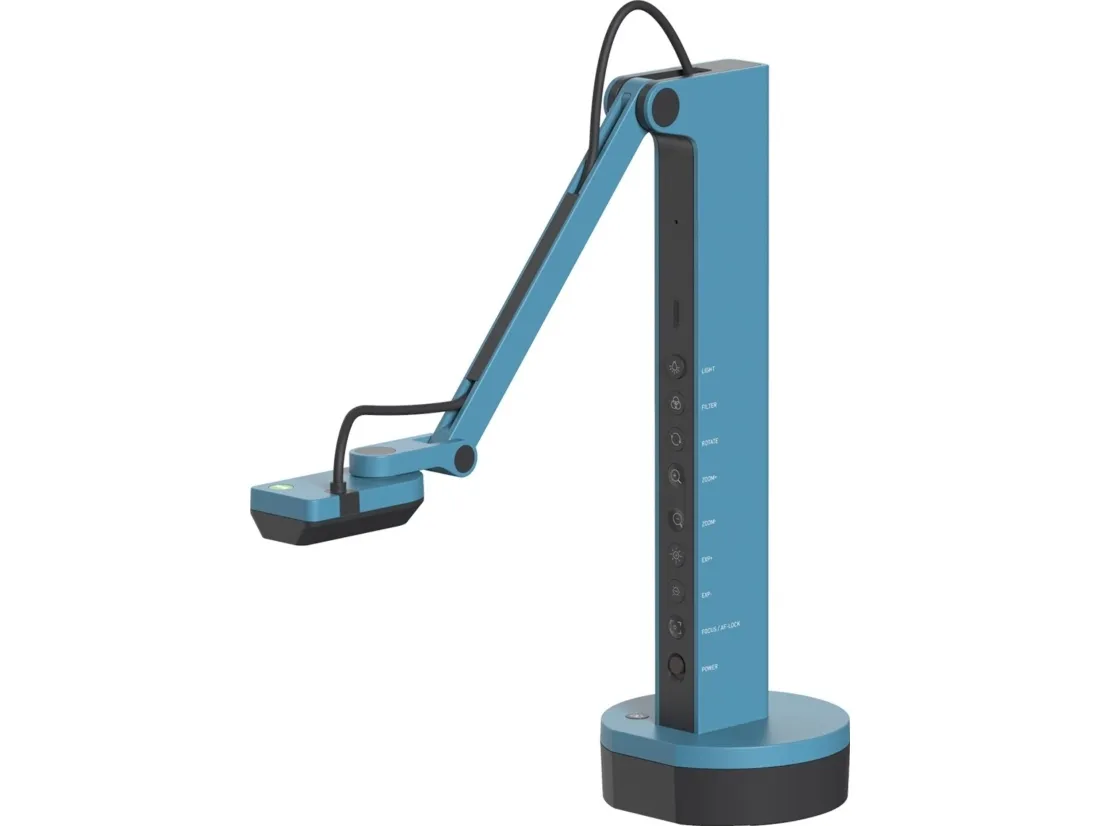
IPEVO DOK VZ-X USB/HDMI/WLAN 8MP mikrolysbatteri blå - dokumentkamera
FBAC4895-B52C-4E03-B099-A6A8F8B8017B Created with sketchtool. 706D6907-81E1-46A2-B8F9-7B702A1EF2C7 Created with sketchtool. 6A870209-E7F5-44F5-A66F-09E20C85A0DC Created with sketchtool. 0BB04D6C-A9AB-4913-BF4F-5A23954E68E1 Created with sketchtool. 501E26C7-66C1-4DAA-B740-6CFAF55A1B39 Created with sketchtool. C105F7D3-D5EE-43C9-9EE8-05CC42B296D4 Created with sketchtool. D94689D8-7CBB-41C8-AC06-F79D81FF82D5 Created with sketchtool. DA4C7ED9-2512-4D52-94F0-92800F2A6E04 Created with sketchtool. 42E133FD-828F-4CF4-A0BF-560014487A57 Created with sketchtool. F52D9745-4BFD-4506-BEEF-630FD09EF2D9 Created with sketchtool.
Lager
På lager, bestill innen kl. 12:00 så sender vi det samme dag (hverdager). Mere info

Lagerkampanje

Det er 1 på lager

Den aktuelle pris gælder kun så længe lokalt lager haves

Leveringsalternativer  - Velges i kassen
Instabox - Velg din nærmeste pakkeboks
Gratis frakt
Bring – Leveres til pakkeboks nær deg
Gratis frakt
Bring – Leveres på hentested nær deg
Gratis frakt
PorterBuddy - Fleksibel hjemlevering - levert på døren på kvelden
174,00
Bring - Fleksibel hjemlevering - Levering til døren (om kvelden i større byer)
199,00
Fraktprisen er basert på levering til dette postnummer: - Skift postnummer
Oppgi postnummer for levering. Lagre
NOK 4.906,00
eksklusiv MVA 3.924,80
Totalt inkl. frakt 4.906,00
Wireless, HDMI and USB connectivity.
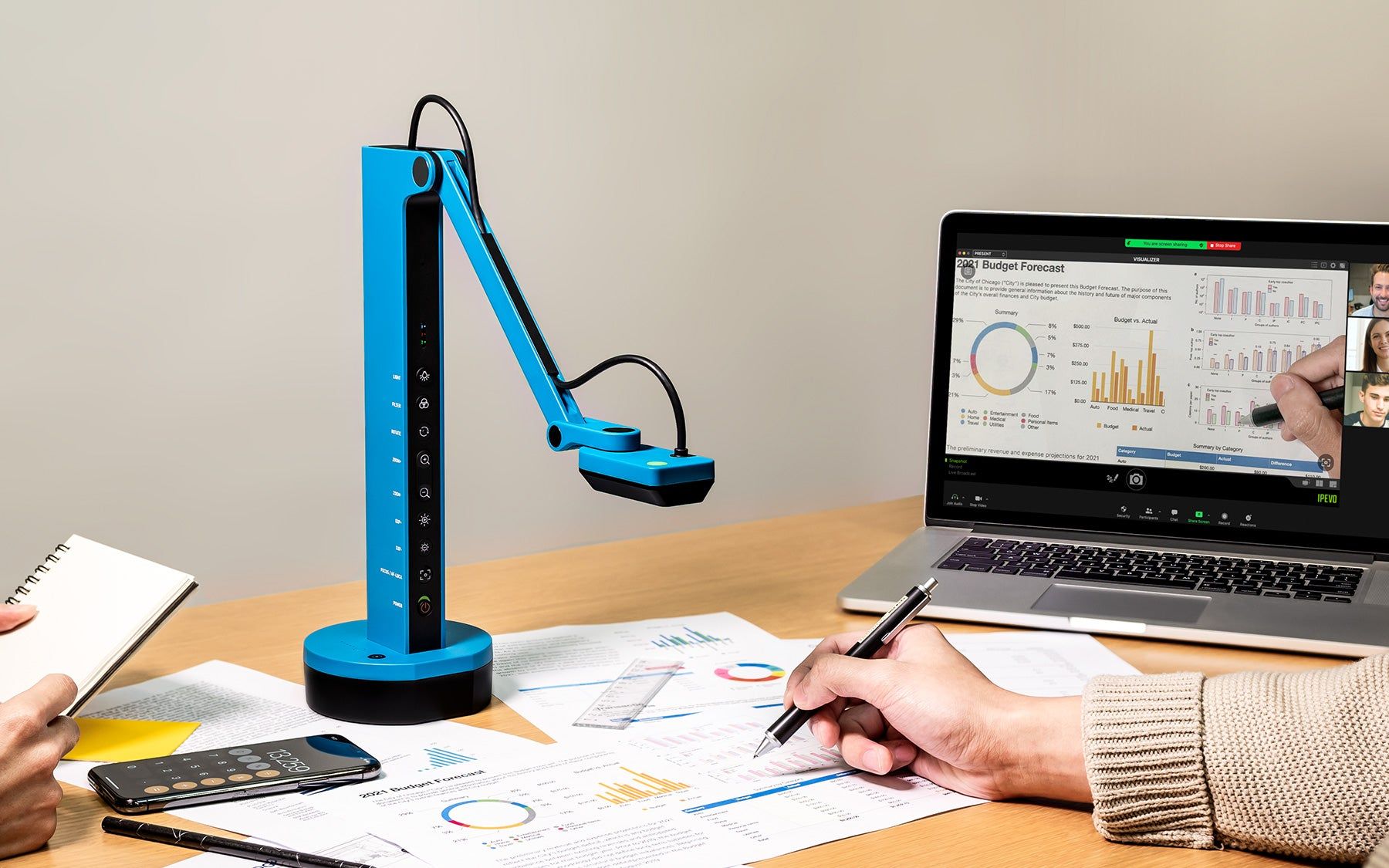
VZ-X features three connection modes-Wi-Fi, HDMI, and USB. You can use it with a computer, iOS/Android devices, or directly with an Apple TV, TV, projector, or monitor in the setup that best suits your needs.

Wireless connect from anywhere in the classroom
By connecting via WiFi to the computer, teachers can move freely around the classroom and capture images from different desks. VZ-X can also integrate with wireless tablet devices such as the iPad, enabling you to display the captured images using IPEVO's Visualizer software.
You can access the web management interface by connecting to VZ-X's default IP address using a PC browser. From there, you can modify wireless network settings, allowing VZ-X to join your local network. This enables both PCs and tablet devices on the same network to use IPEVO's Visualizer software to display images from the VZ-X camera.

Direct HDMI projection to a TV or projector.
No computer required
.
Stream real-time images directly to your TV, projector, or monitor using an HDMI connection.
Note: HDMI connection doesn't supply VZ-X with power. Please make sure that there's sufficient battery power for your session. Otherwise please plug it into a wall outlet using any of your phone or tablet 5V/2A USB power adapter, or, connect it to a powered USB port of your TV, projector, or computer.

Wirelessly Cast to
HDMI Monitor or TV Without a PC

EZCast, the favored wireless screen-casting adapter*, integrated with VZ-X, allows teachers to project images onto HDMI screens with a simple click (5-10 seconds) and wirelessly share content on TVs and monitors. You don't need a computer setup. Move freely around the classroom.

High-quality image and enhanced performance
under low-light conditions

8 MP sensor by Sony with Ambarella system-on-a-chip (SoC) provide great details and image quality with better image processing. Enjoy faster focus speed, improved noise reduction, and excellent color reproduction.

Highly adjustable and durable body
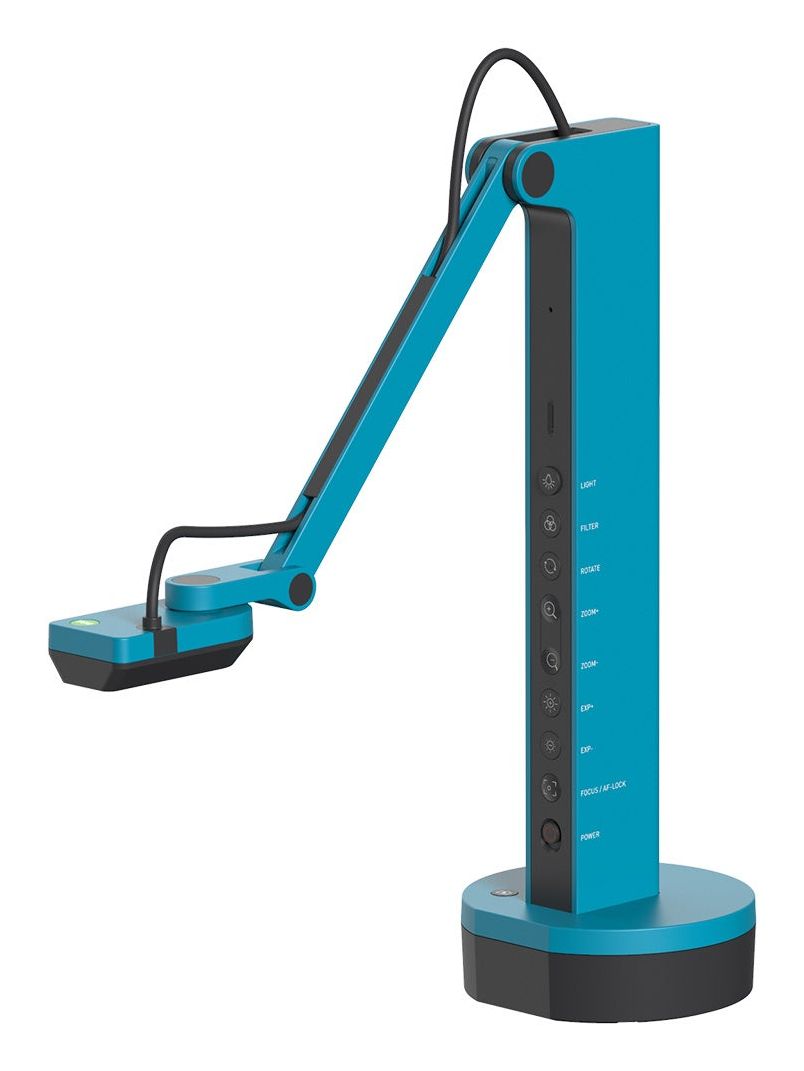
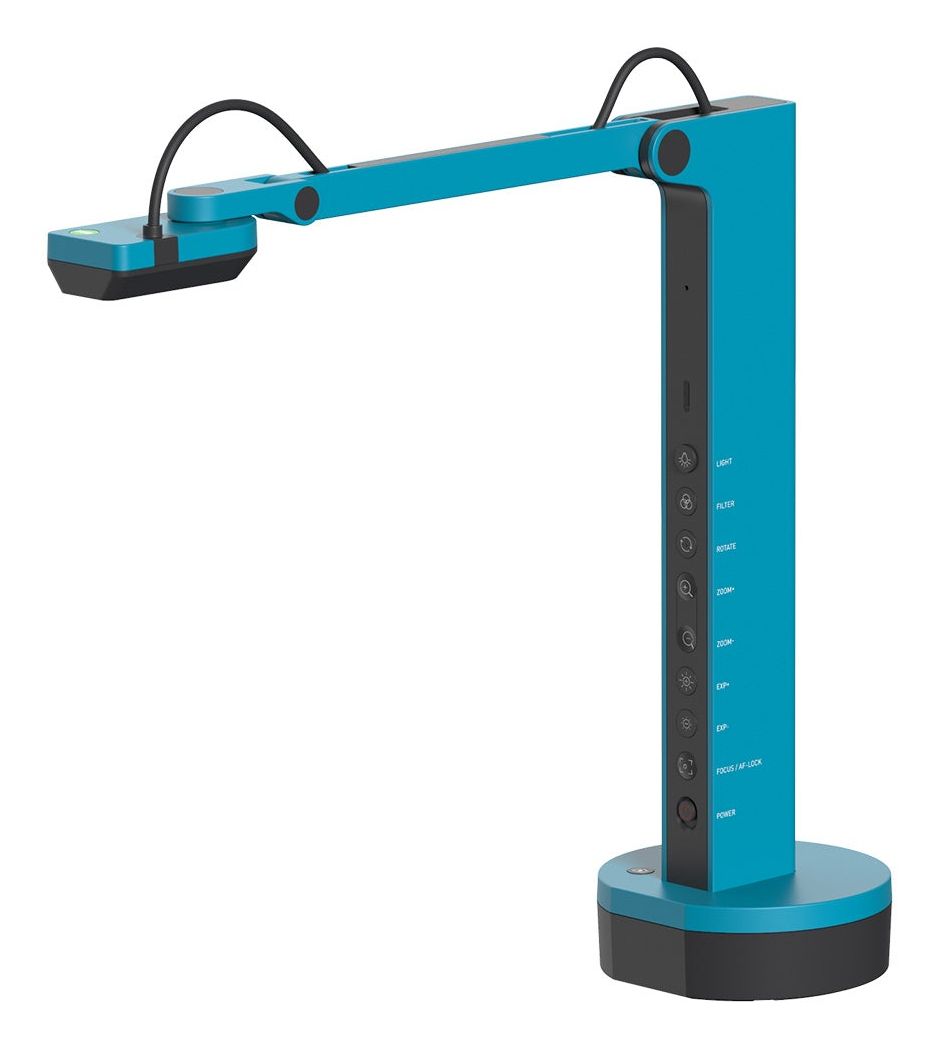
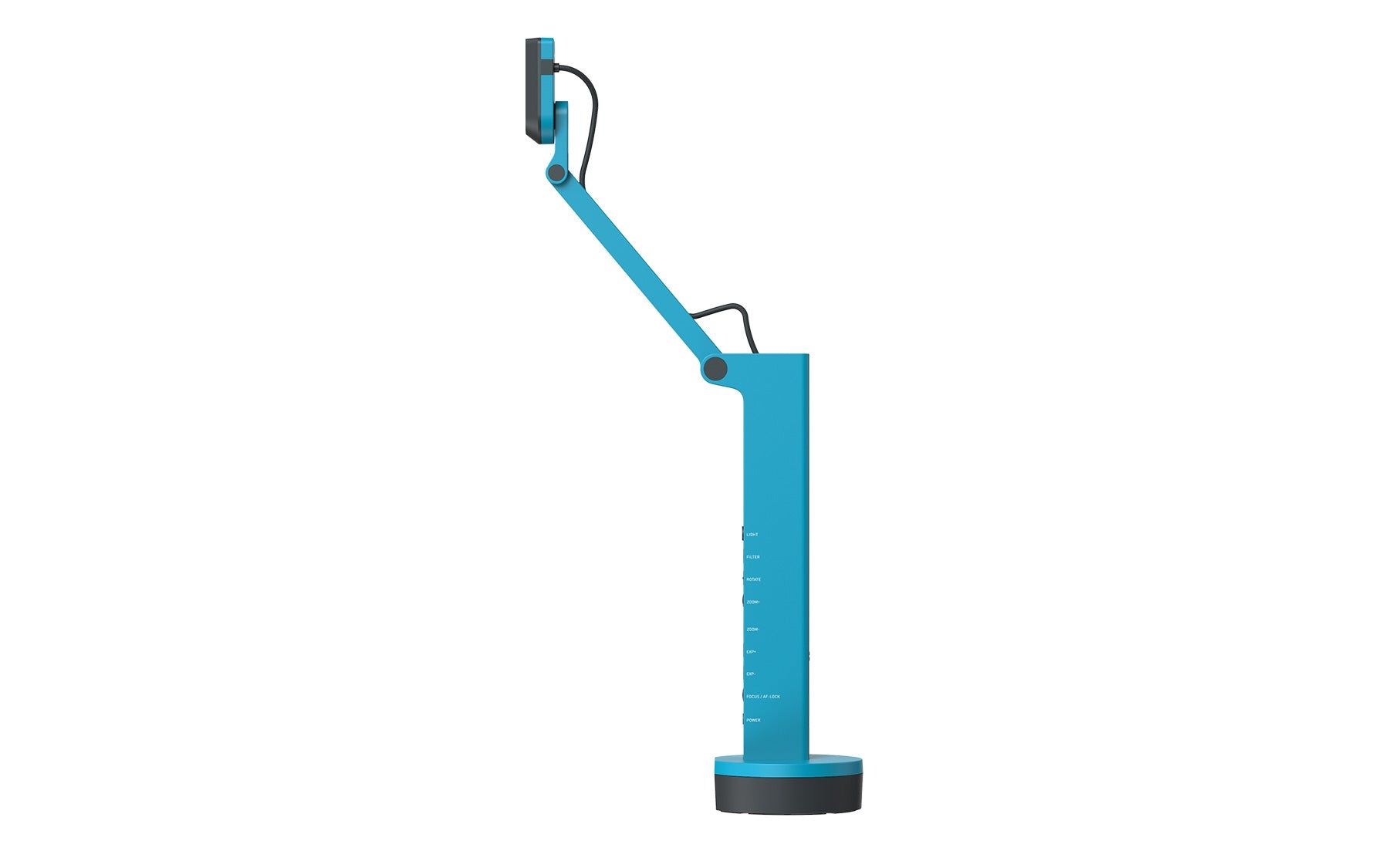
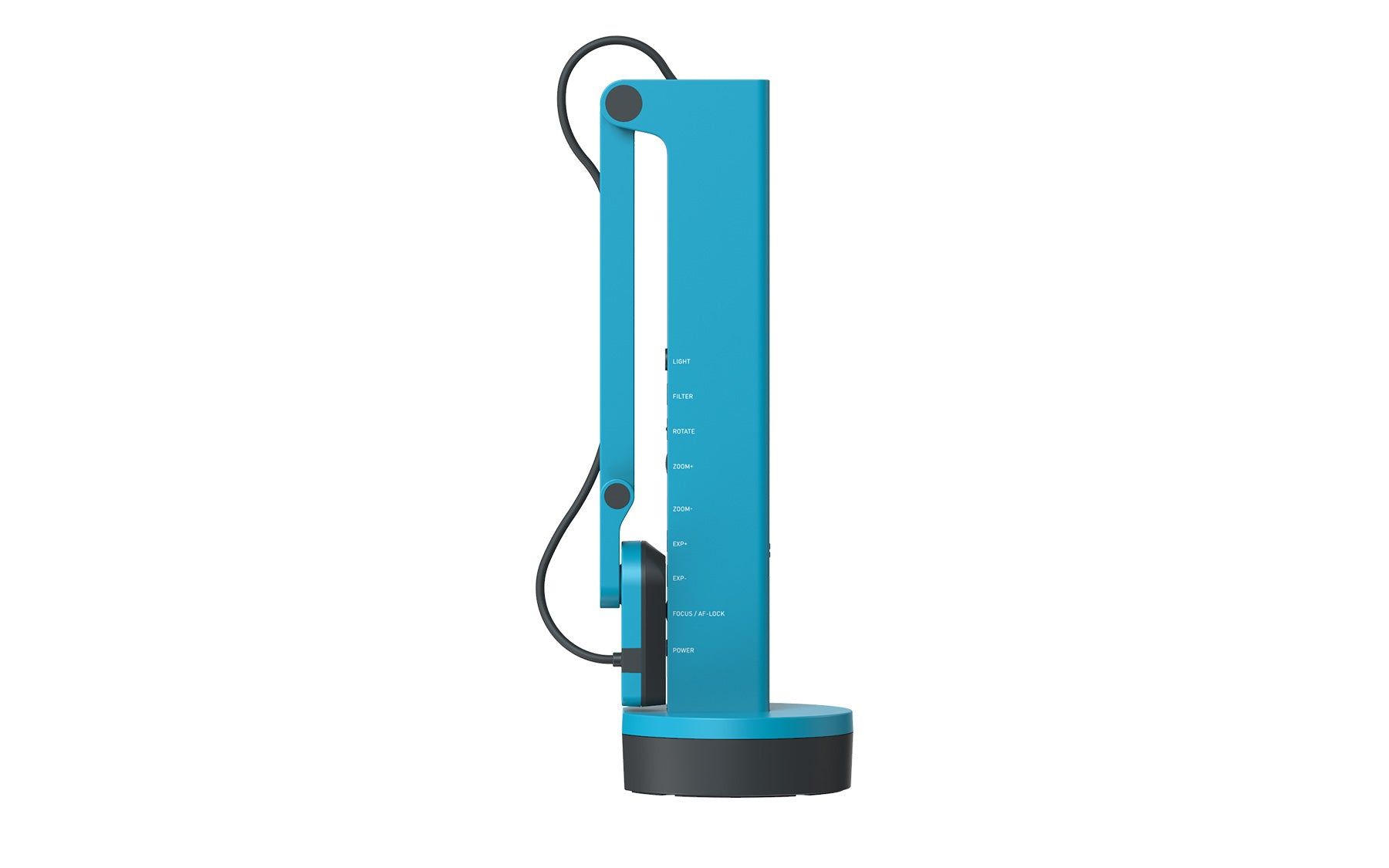
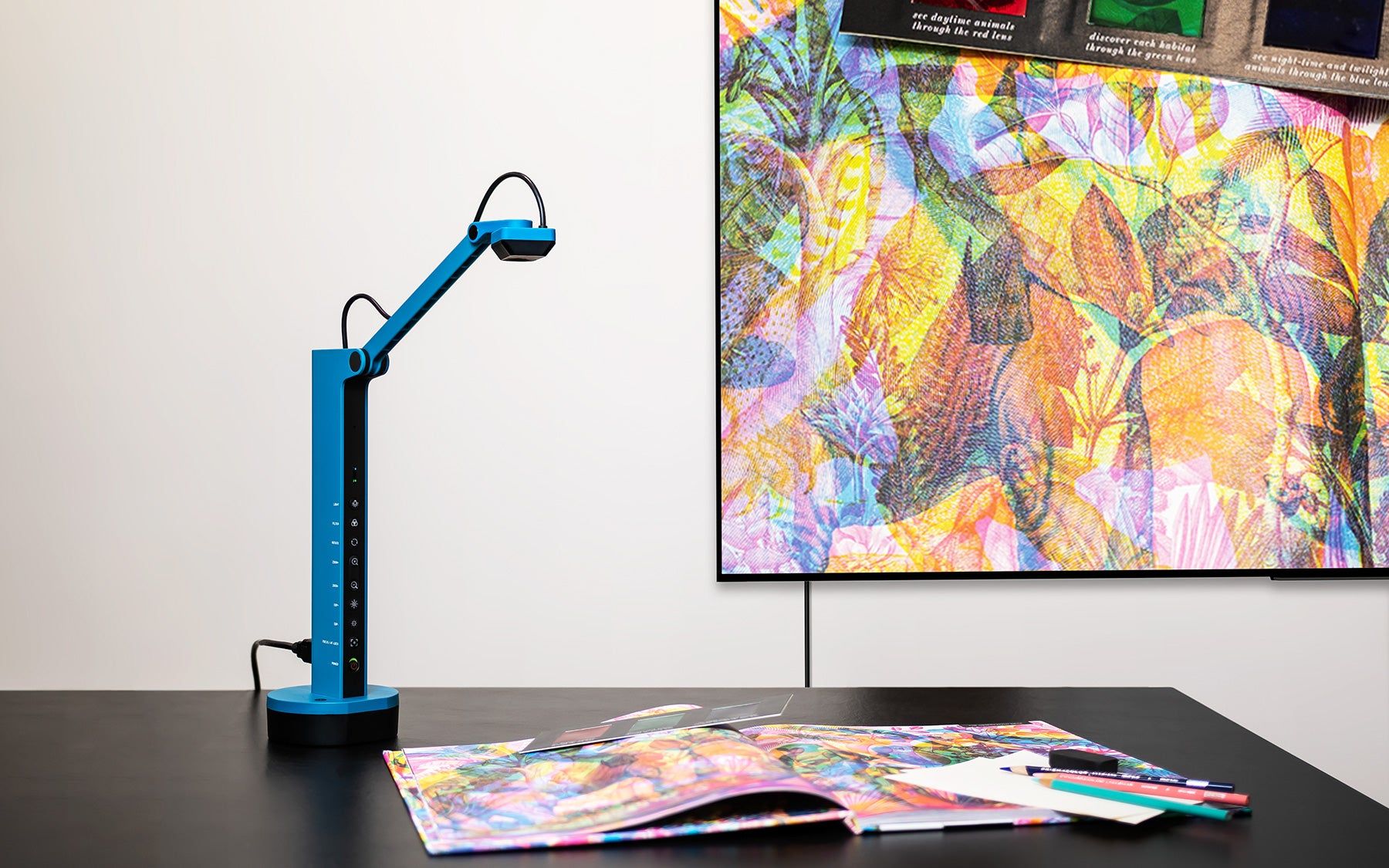
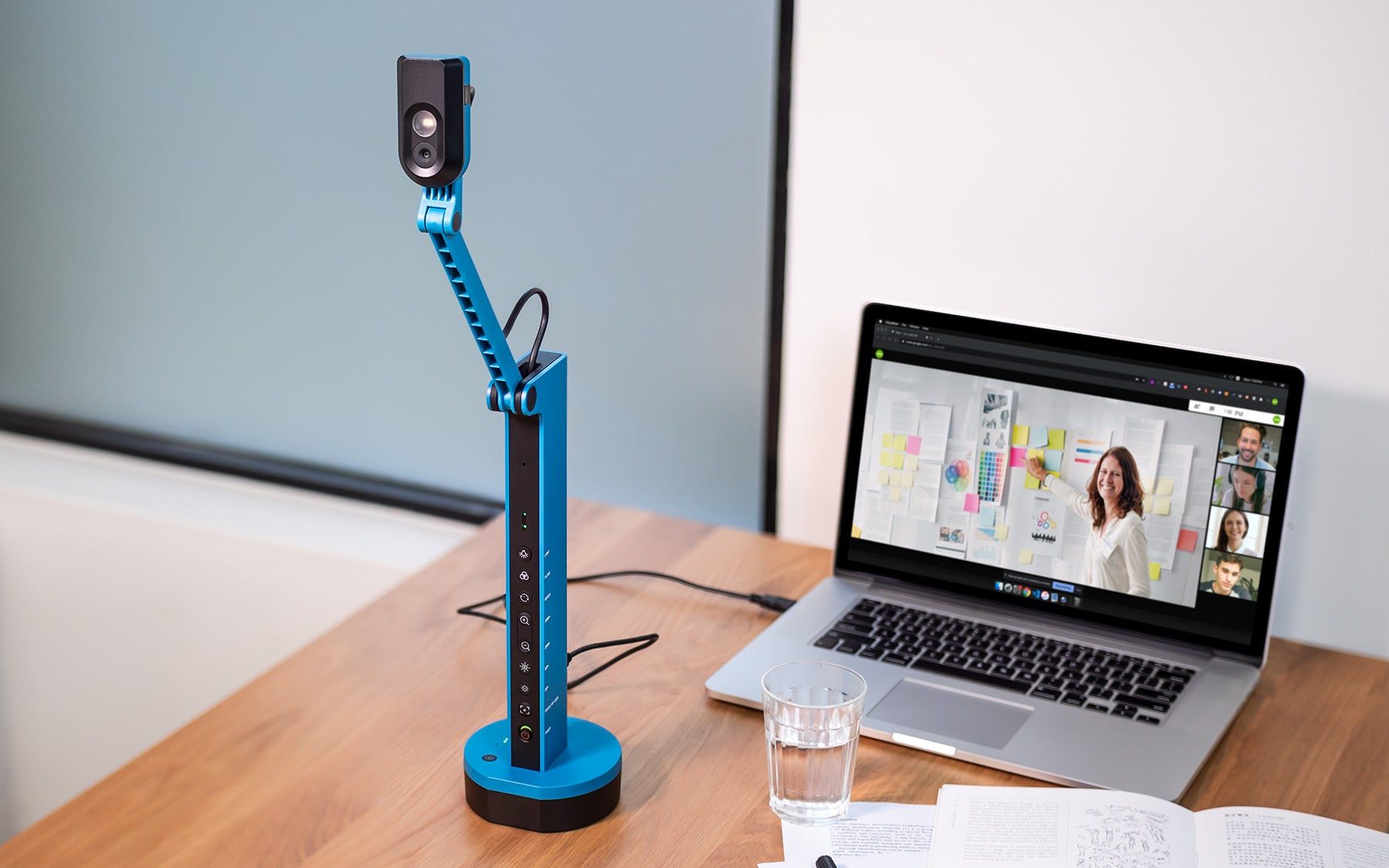
The VZ-X's swiveling head and multi-jointed body let you capture images from different heights, angles, and orientations. You can also switch between vertical and horizontal orientation - all in real time.

The camera's body is made to last, thanks to the use of glass fiber reinforced thermoplastic, that reinforces the arm with the strength of metal while keeping the weight low at the same time.

In the back of VZ-X you can now find a USB-C port that makes connecting cables easier and safer.

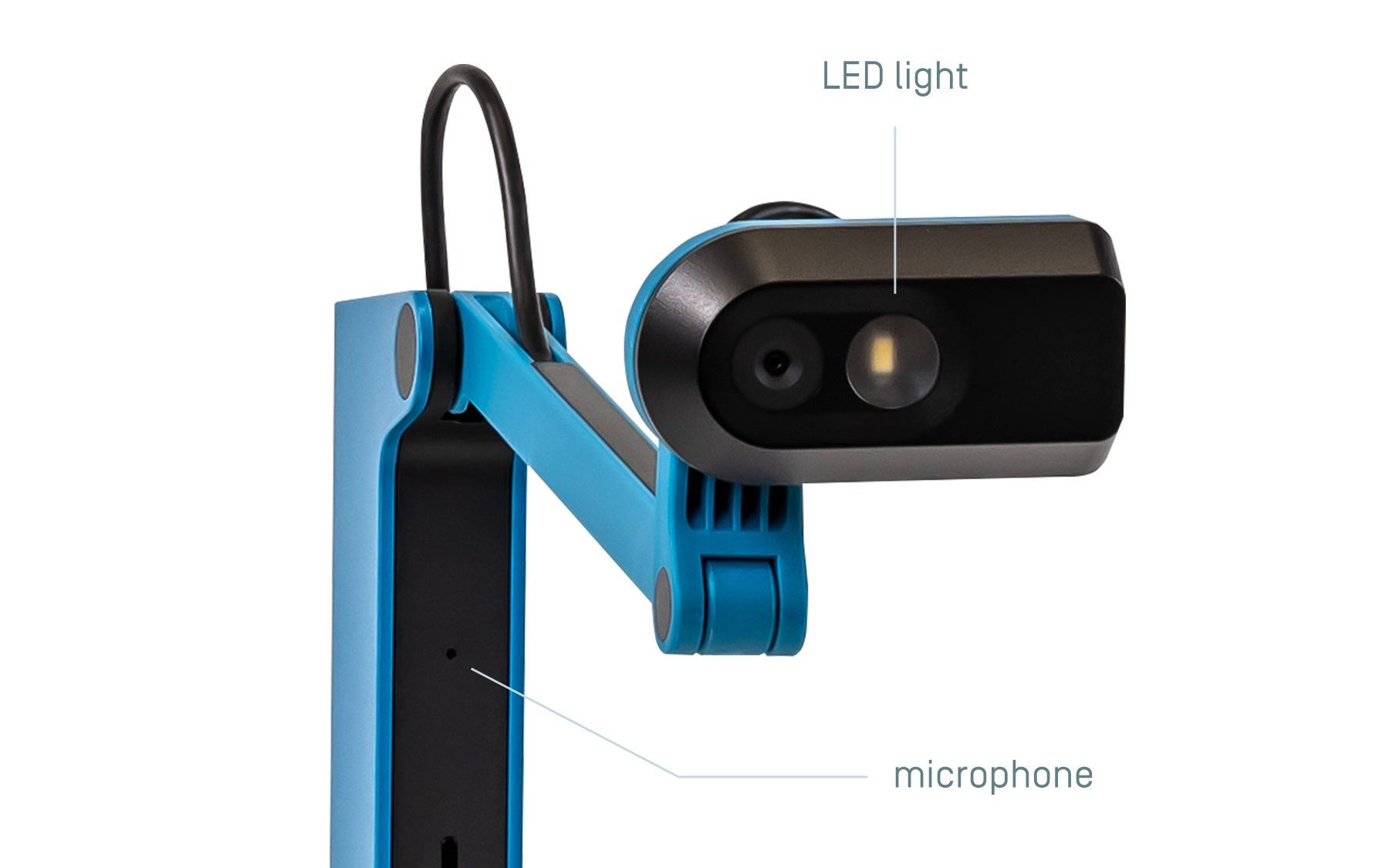
LED light and microphone
VZ-X's camera head features a built-in LED light for use in dimly lit environments and a microphone.

Camera control buttons
The Action Button located at the VZ-X’s base provides quick access to Visualizer software's functions such as snapshot, video recording, scan document, and more.