Casio Teknisk Räknare FX-82CW Classwiz
FBAC4895-B52C-4E03-B099-A6A8F8B8017B Created with sketchtool. 706D6907-81E1-46A2-B8F9-7B702A1EF2C7 Created with sketchtool. 6A870209-E7F5-44F5-A66F-09E20C85A0DC Created with sketchtool. 0BB04D6C-A9AB-4913-BF4F-5A23954E68E1 Created with sketchtool. 501E26C7-66C1-4DAA-B740-6CFAF55A1B39 Created with sketchtool. C105F7D3-D5EE-43C9-9EE8-05CC42B296D4 Created with sketchtool. D94689D8-7CBB-41C8-AC06-F79D81FF82D5 Created with sketchtool. DA4C7ED9-2512-4D52-94F0-92800F2A6E04 Created with sketchtool. 42E133FD-828F-4CF4-A0BF-560014487A57 Created with sketchtool. F52D9745-4BFD-4506-BEEF-630FD09EF2D9 Created with sketchtool.
Lager
På lager, bestill innen kl. 12:00 så sender vi det samme dag (hverdager). Mere info

Lagerkampanje

Det er 9 på lager

Den aktuelle pris gælder kun så længe lokalt lager haves

Leveringsalternativer  - Velges i kassen
Instabox - Velg din nærmeste pakkeboks
59,00
Bring – Leveres til pakkeboks nær deg
59,00
Bring – Leveres på hentested nær deg
59,00
PorterBuddy - Fleksibel hjemlevering - levert på døren på kvelden
174,00
Bring - Fleksibel hjemlevering - Levering til døren (om kvelden i større byer)
199,00
Fraktprisen er basert på levering til dette postnummer: - Skift postnummer
Oppgi postnummer for levering. Lagre
NOK 279,00
eksklusiv MVA 223,20
Totalt inkl. frakt 338,00
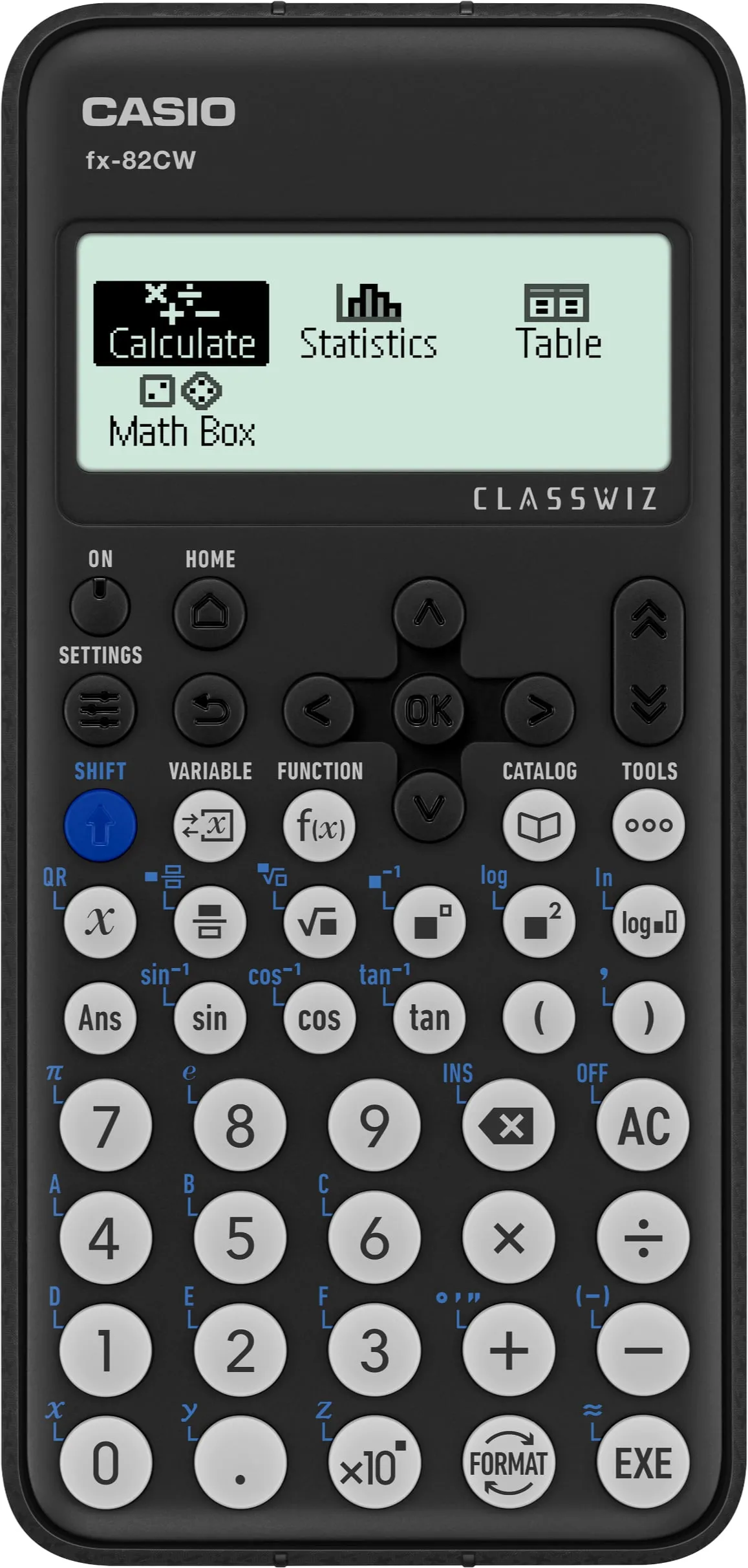
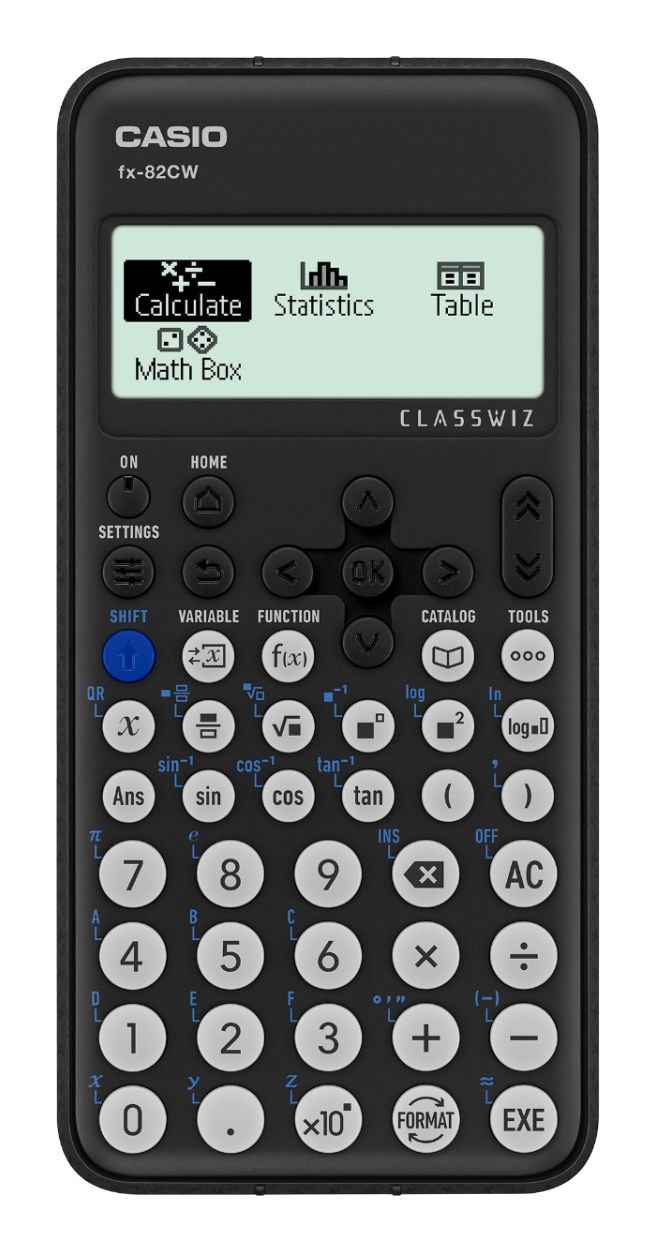
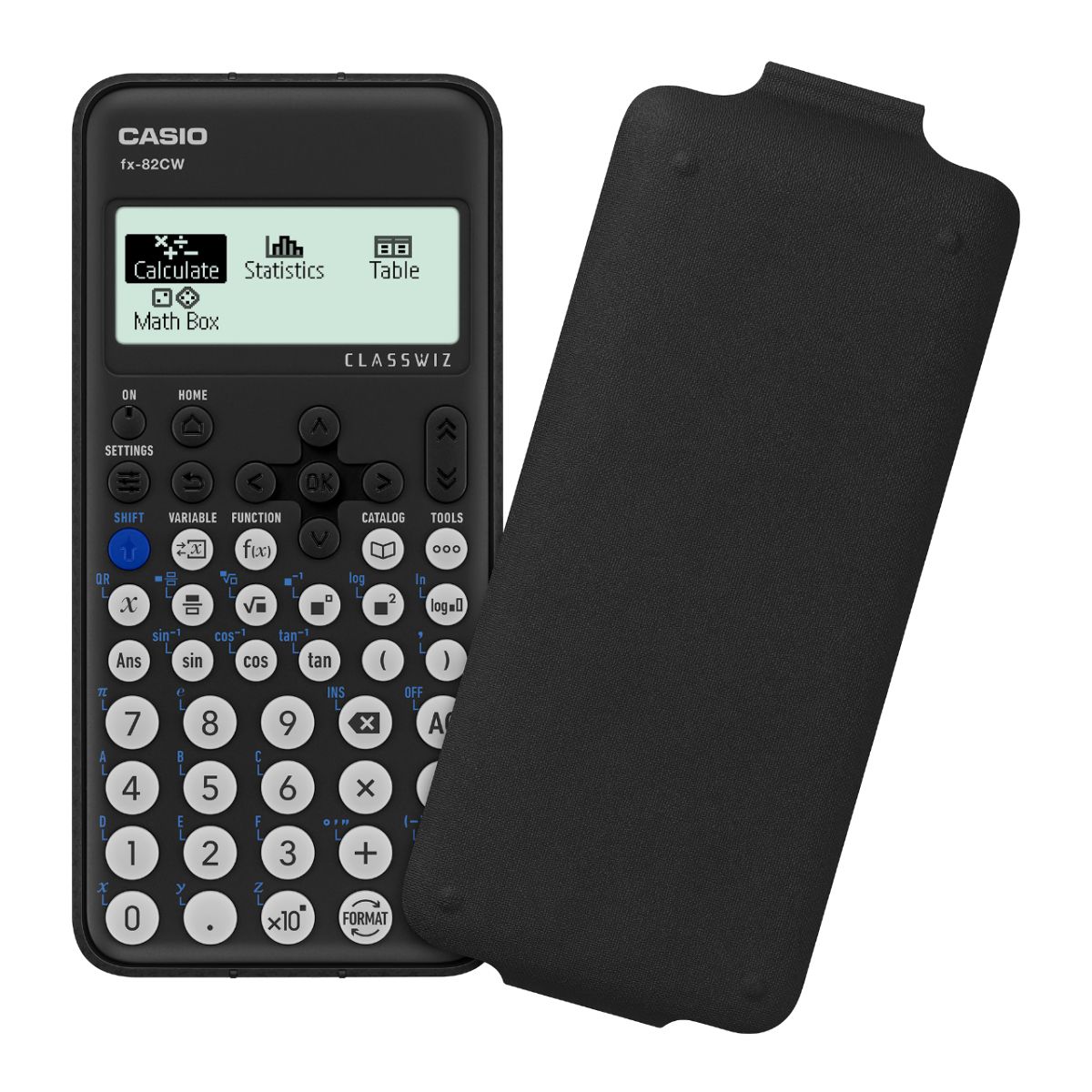
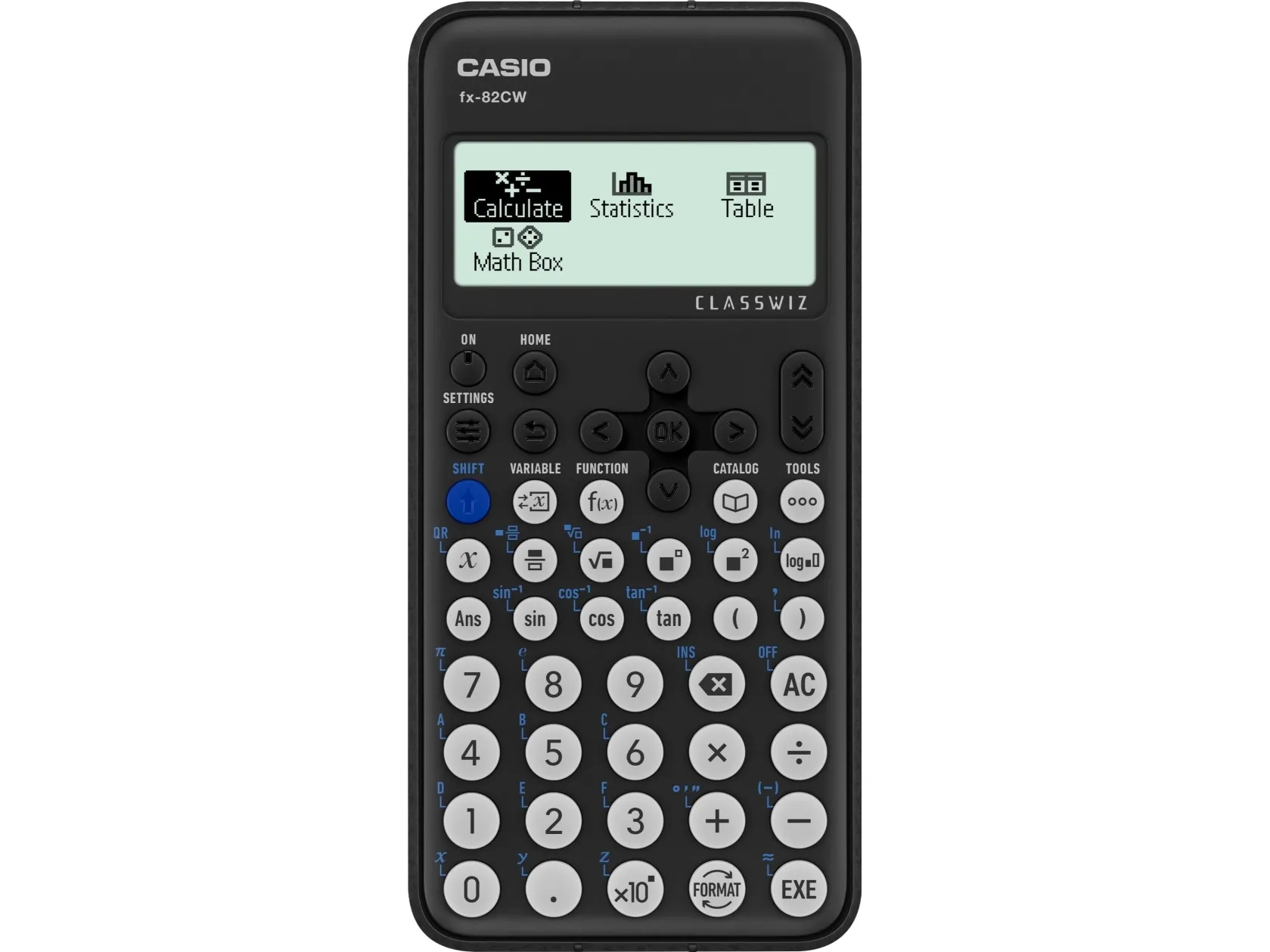
ClassWiz CW Series is designed teaching and studying for today. Its brand-new approachable UI and various features encourage students’ math learning.

High-definition & 4-gradation display

With the 4-gradation display, the current input location is displayed in a darker color.

Intuitive cursor operation

Simple cursor-based operations and a key layout that follows the natural flow of use.

Natural Textbook Display

Intuitive, easy-to-learn icon display


*The image is the display of fx-991CW.

List display function for thorough, speedy learning

High-speed calculation

Fast calculation for smooth performance in class or during examinations.

Calculator Apps
Easily select a calculator app from the Home screen that is suitable for the type of calculation that you want to perform.

Math Box

The following functions to support math learning: Dice Roll and Coin Toss for probability simulations.

Calculate
General calculations

Statistics
Statistical and regression calculations

Table
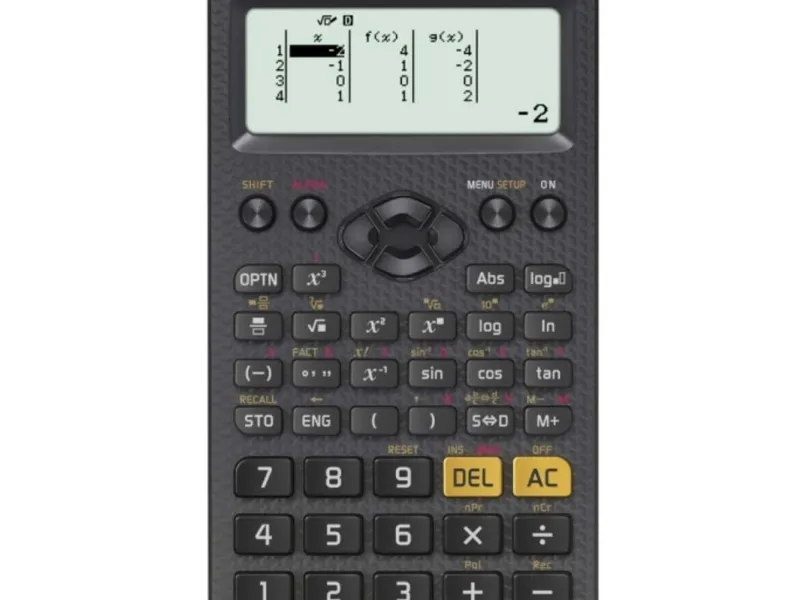
Generates a number table based on one or two functions

Online visualization service using QR codes
Easily generate QR codes of equations input into the calculator. Graphs and other graphics can be displayed on smartphones or tablets.

Variety of functions that are available in calculator apps to support students’ learning.
CATALOG
The CATALOG menu shows Store values to variables categories of commands, functions, and symbols according to the calculator app that you are currently using and the current status of the app (the displayed screen or current settings).

FUNCTION
You can store functions in both the f(x) and g(x) memory.

Examples:
Create a table in the Table app

Call from a spreadsheet

VARIABLE
You can store values to variables and use the variables in calculations.